
AGI Creator - Unload Project Guide
This is a short step by step guide on how to unload a project from an AGI Device.
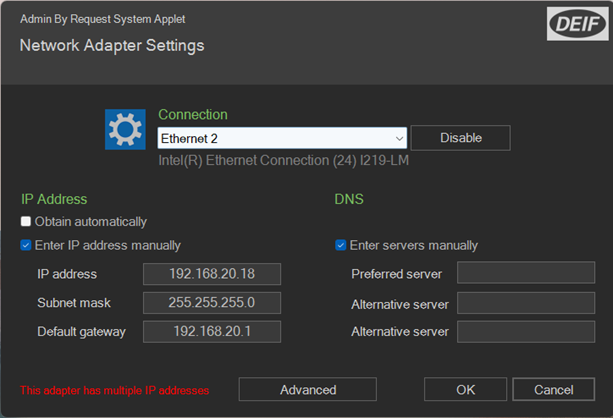
Step 1 - Preparation / Network Adapter settings
1. Connect the device to a computer via Ethernet
2. Make sure that your computer is in the same network zone as the device (You need to have a static IP address)
3. You are ready to connect
Step 2 – Run AGI Creator
1. Go to Run
2. Manage Target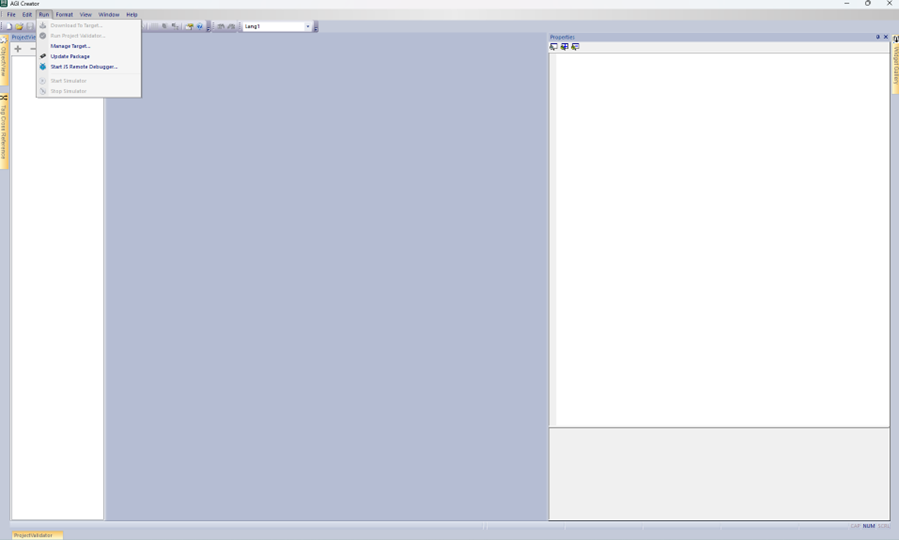
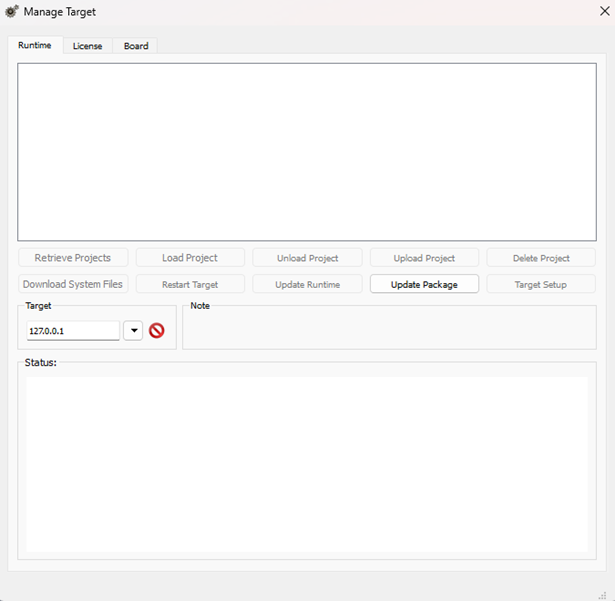
3. Now you should have this window below:
Step 3 – Manage Taget setup
1. Choose the target or enter the IP-address manually
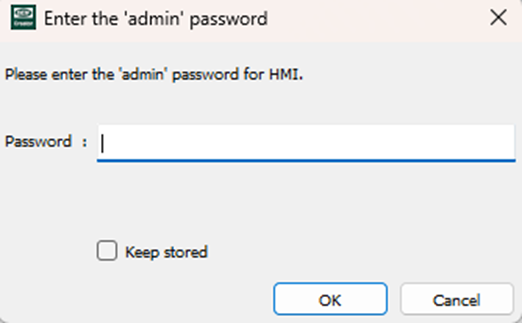
2. Press on “Retrieve Projects” and now a password request should come up.
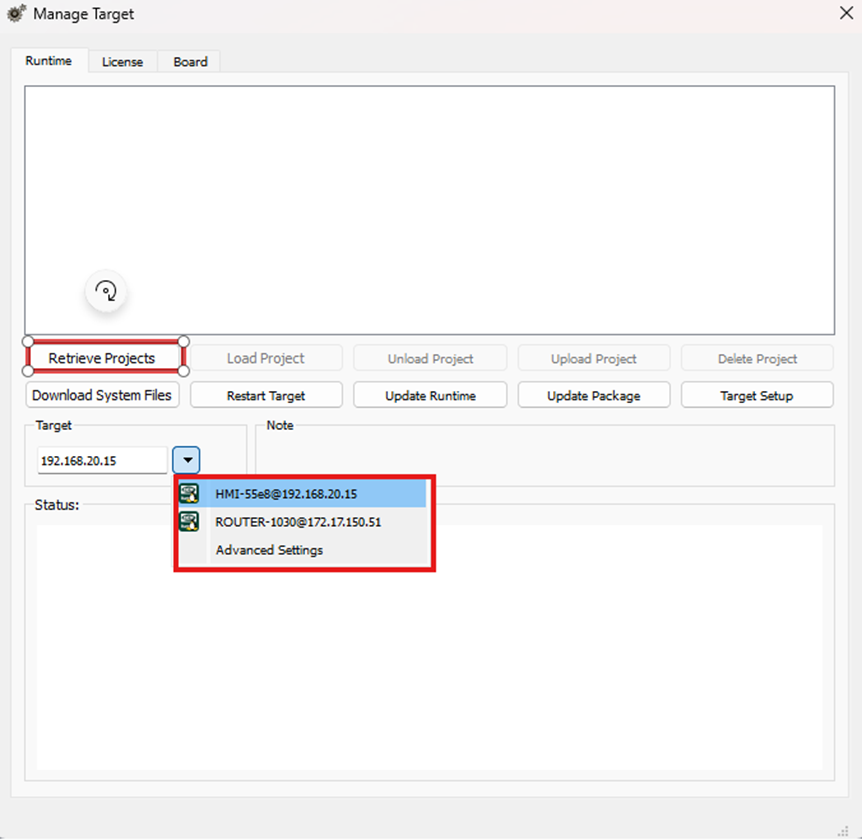
3. Enter the password – Default it should be “Deif1933!”, “admin” or “Admin123!”
Step 4 – Unload Project
1. Select the project that you want to unload/backup. The already loaded project is marked with red.
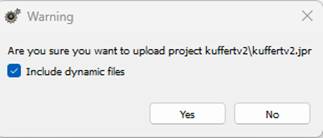
2. Press “Upload Project”. You should now get a warning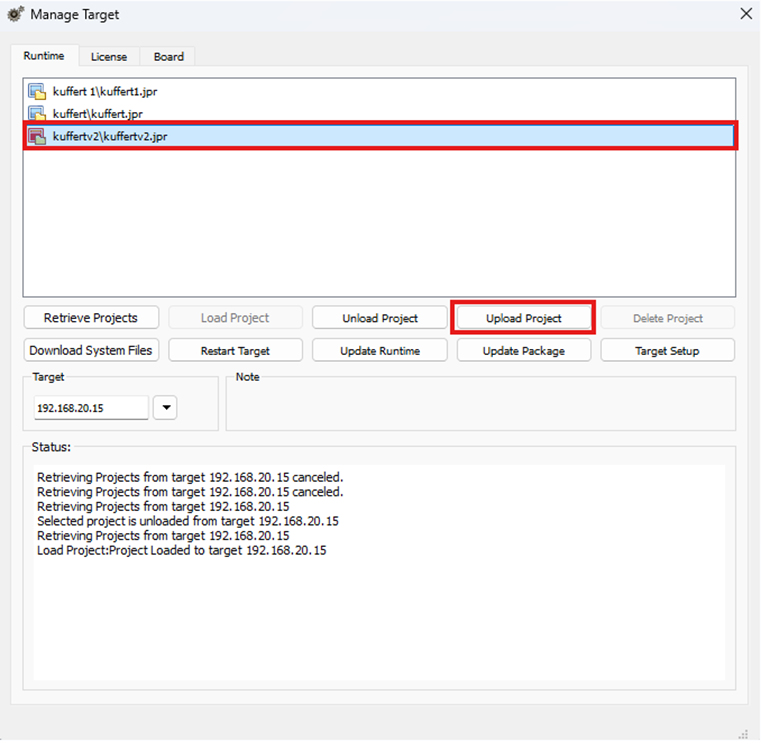
3. Press checks on “Include dynamic files” and then press “Yes”
4. When finalized you should get a window with “Project uploaded successfully”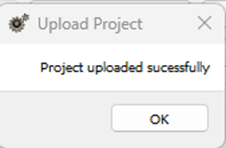
Step 5 – The final step
1. Press on the link it gives in “Status”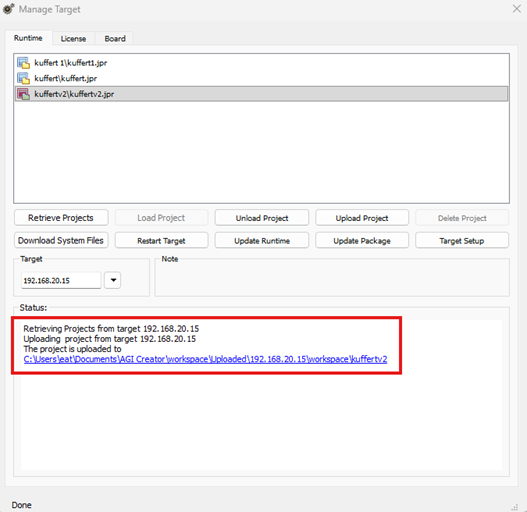
2. The project is now loaded and saved on your computer.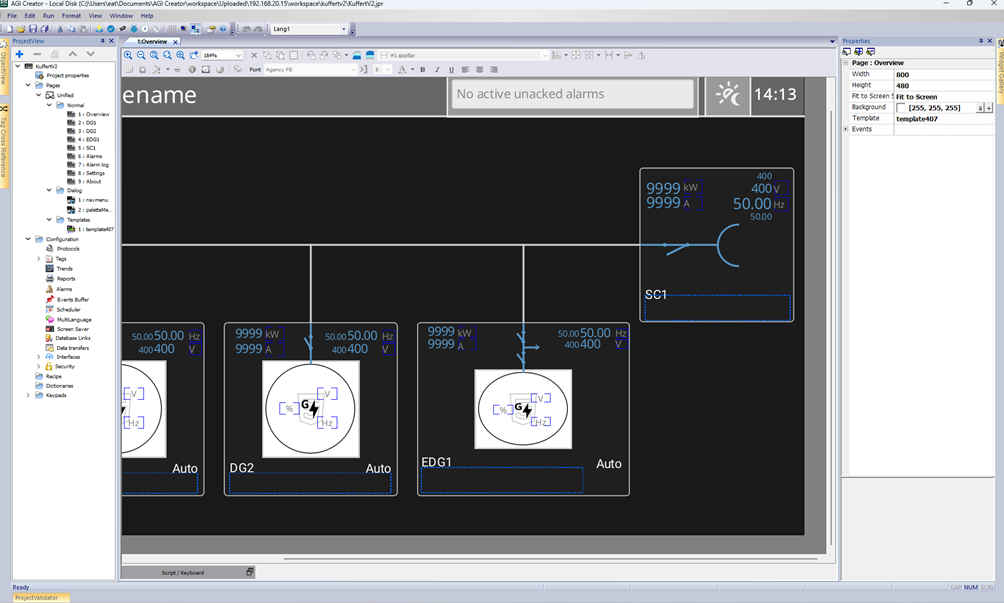
3. From here you have a backup you can find at the path it gives you or you can make a new save.