
Manual BSP update errors on AGI 400
Reason is wrong files are uploaded manually by mistake or unsupported versions are used.
Wrong files used
It is possible to select Config OS files for use, when attempting a Main OS update.
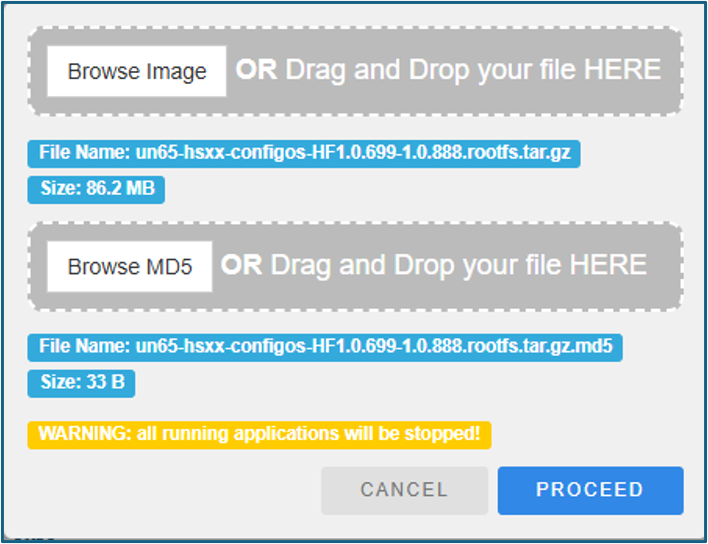
After pressing the proceed button, the files are loaded and installation initiated. But shortly after installation is stopped due to a “Image signature mismatch”. Below message appears:
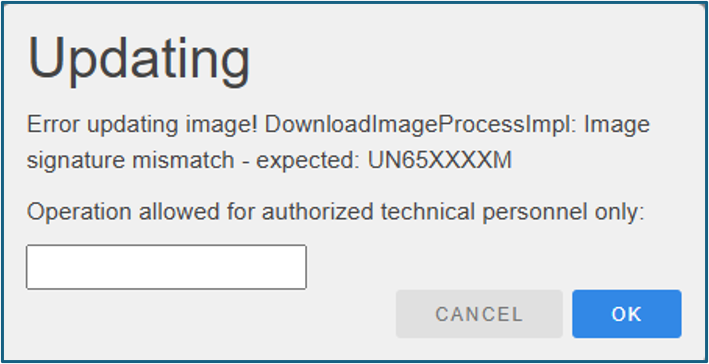
The M in the end of the expression: UN65XXXXM, refers to the Main OS files which was expected for the update.
OBS: Same message appears if selecting Main OS files, doing a manual Config OS update. Same message will also appear, if choosing BSP files from another AGI variant e.g. AGI M. |
Downgrading using unsupported BSP versions
The AGI item number, which is found on the product silver label, and marked with a V, informs about the display hardware version. The 5th and 6th digits in the number, is the display HW version e.g.: 125130E13027148. The number 30 is the display HW version introduced in 2024.
Older AGIs with display HW versions below 30, can be updated to latest BSP version (currently 3.1.421), HW version 30 requires a minimum BSP. Supported versions are 3.1.421 and 1.0.888 and onwards.
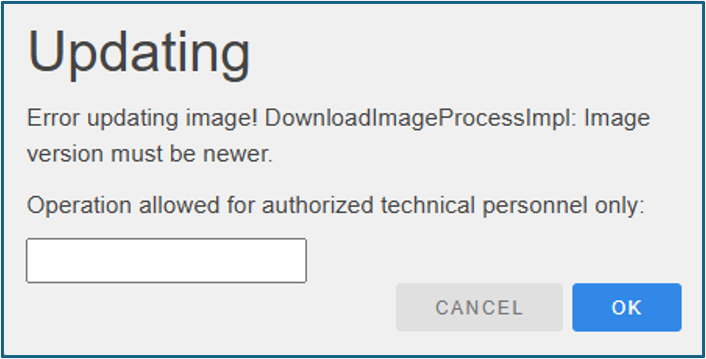
This means BSP versions 1.3.836 and 1.3.797 are not supported. Attempting to install these versions, will generate a message informing that a newer image version is needed.
It is possible to install and downgrade BSP to version 1.0.829, but this version isn’t supported either and installing it, misaligns the screen afterwards:
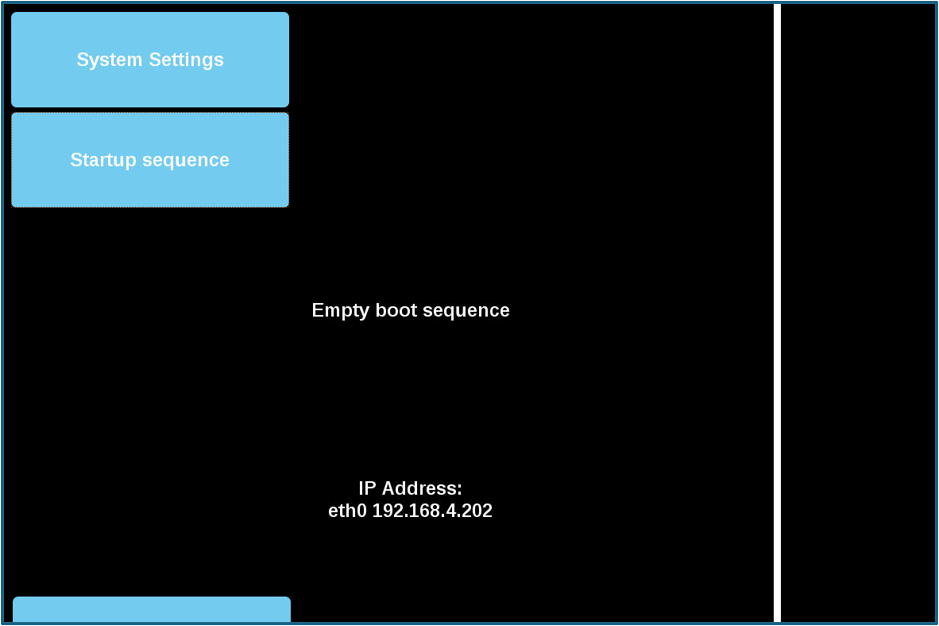
It is however possible to save this situation by upgrading to either BSP version 3.1.421 or 1.0.888.