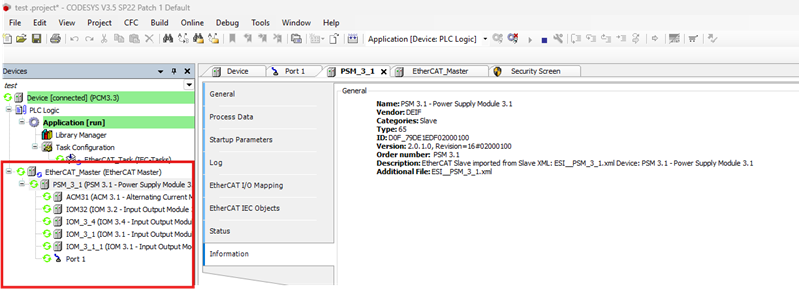
How to connect hardware to an ie 350 plc.
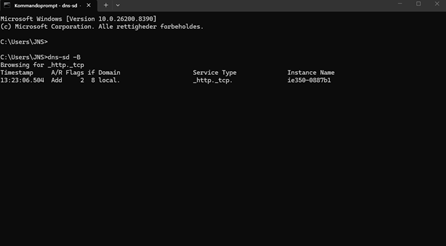
First find the IPV6 adresse on your unit, go to command prompt and write the following command:
dns-sd -B
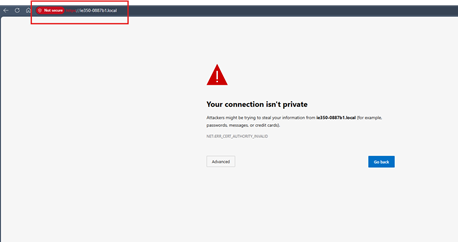
Go to a web browser and write the hostname.local example: ie350-0887b1.local
Open codesys v3.5 SP22 patch 1
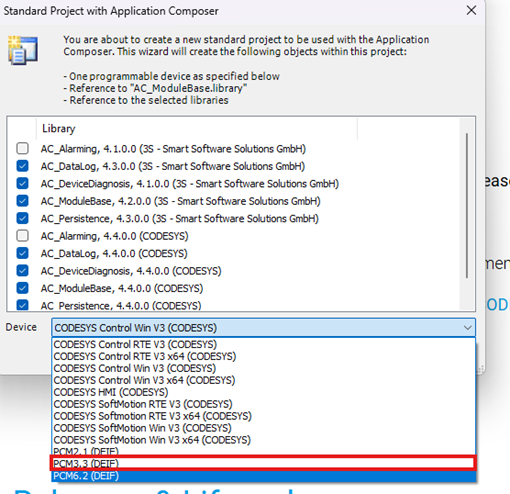
And create a new project
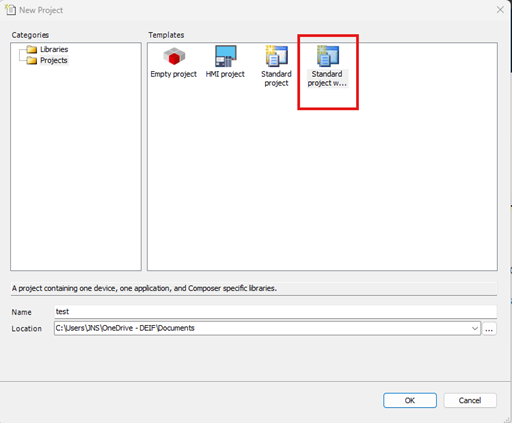
Choose the device PCM3.3
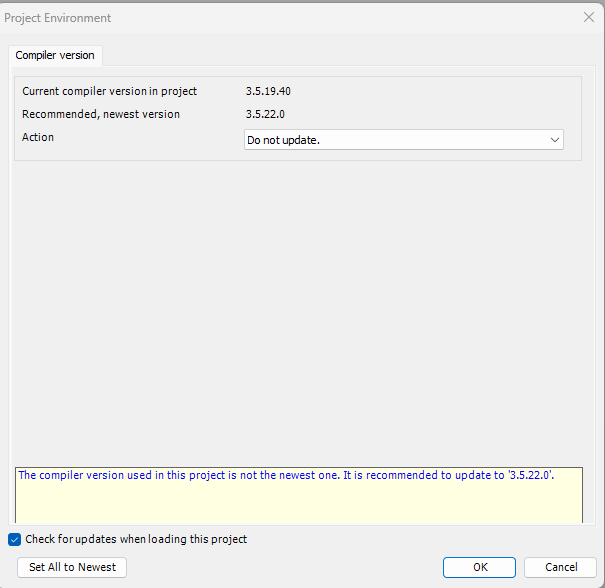
Hit ok
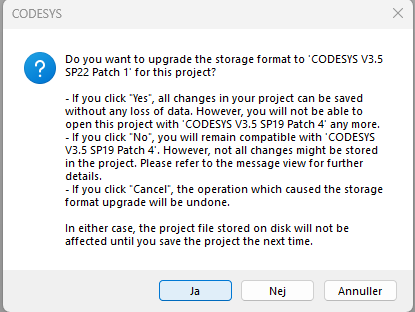
And yes.
Go to the device and go to scan network.
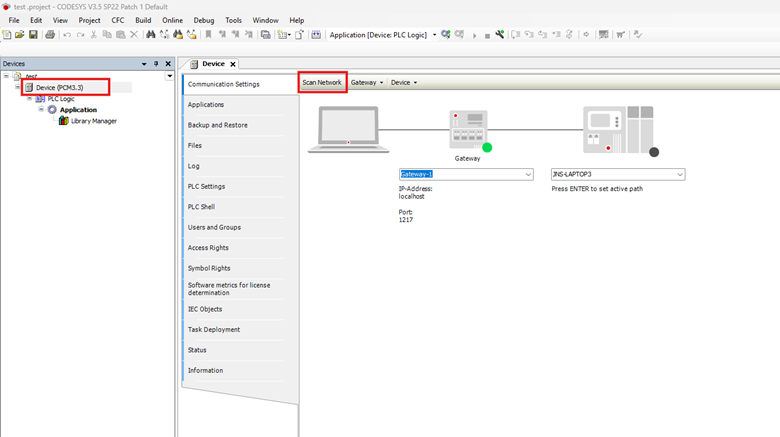
Connect to the controller
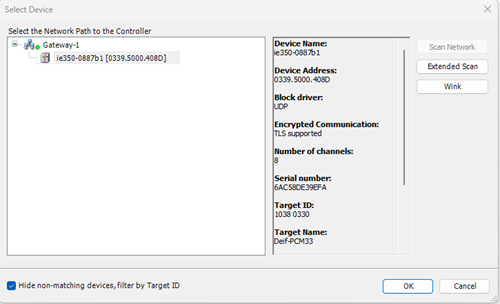
You should now be online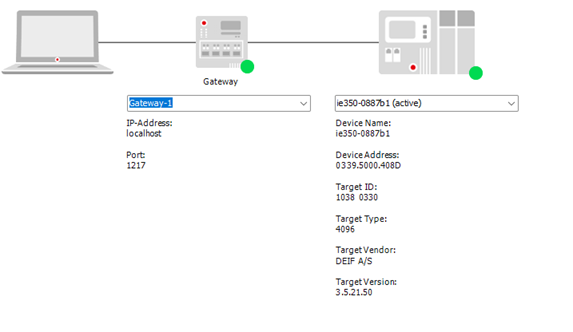
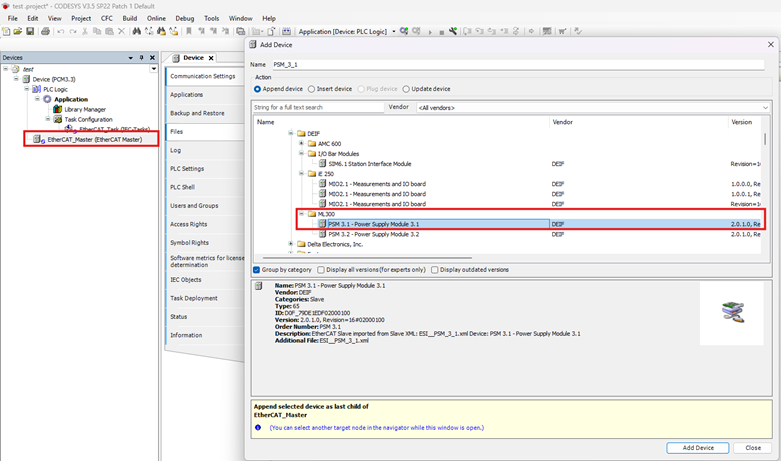
Go to add device:
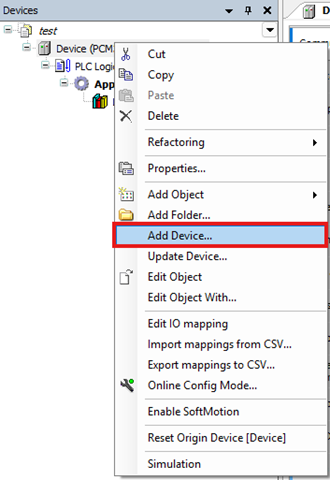
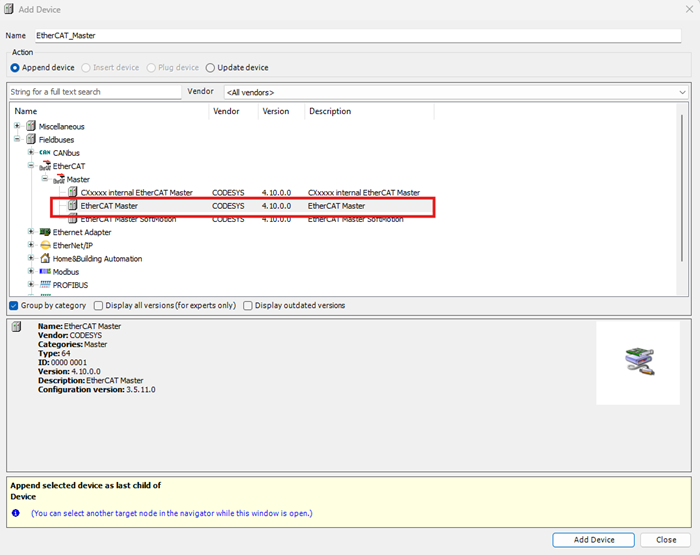
Right click and hit add device PSM3.1
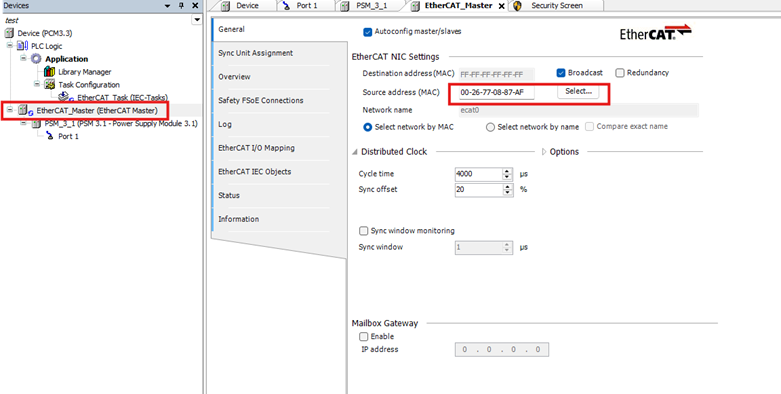
Select the source address
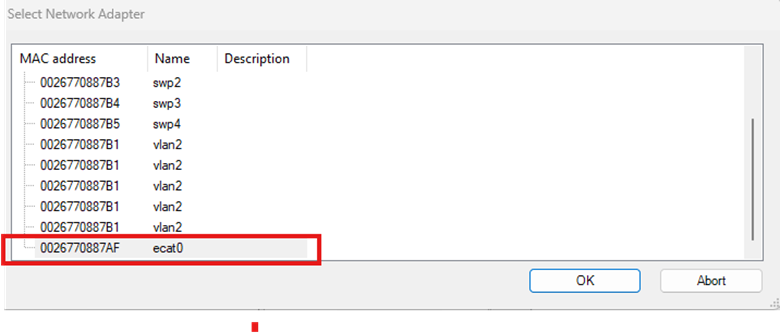
Set It to ecat0
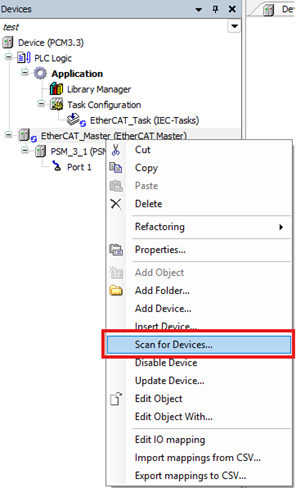
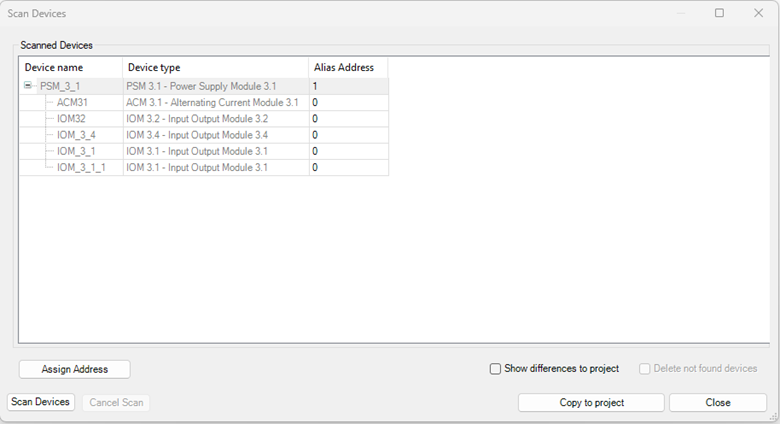
Right click on the ethercat master scan for device.
Press copy to project
Hit download and play and see the hardware in a run stat: