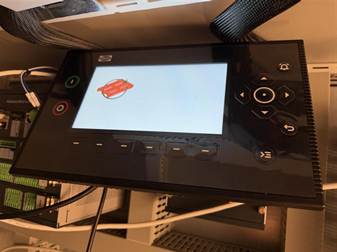
First connect the USB and Diplay cable from the PLC to the Diplay, make sure 24VDC is connected to the IE-7.
The screen should now be running indicating the hostname it is connected to. And the LED should not be flashing red indicating the the USB is connected correctly.
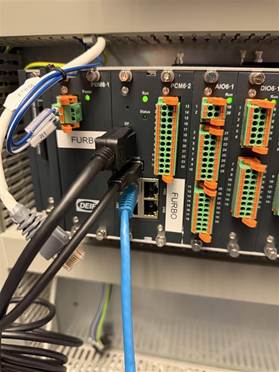
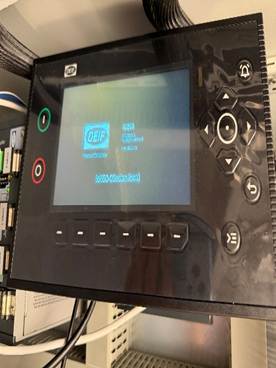
Then open Codesys IDE, as an example I will start a new project and add visualization. 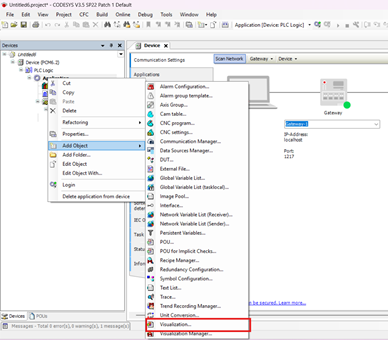
Go To Visualization and add a widget from the toolbox.
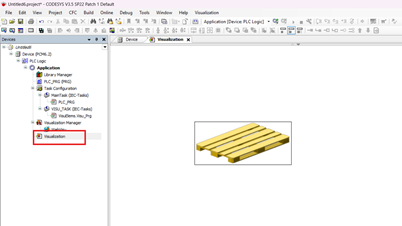
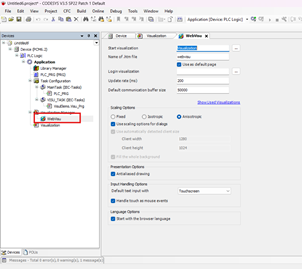
Then go to Webvisu:
Change the following: Name of .htm file: webvisu to display.
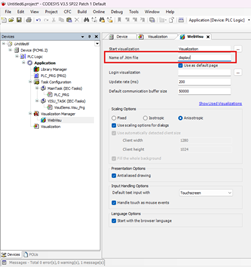
Hit download and play, then powercycle the controller.
The webvisu should now be running.