
Resetting the kWh Timer
Switch to the standard view. If the standard view is not displayed as shown in the picture below, press the Back button three times.
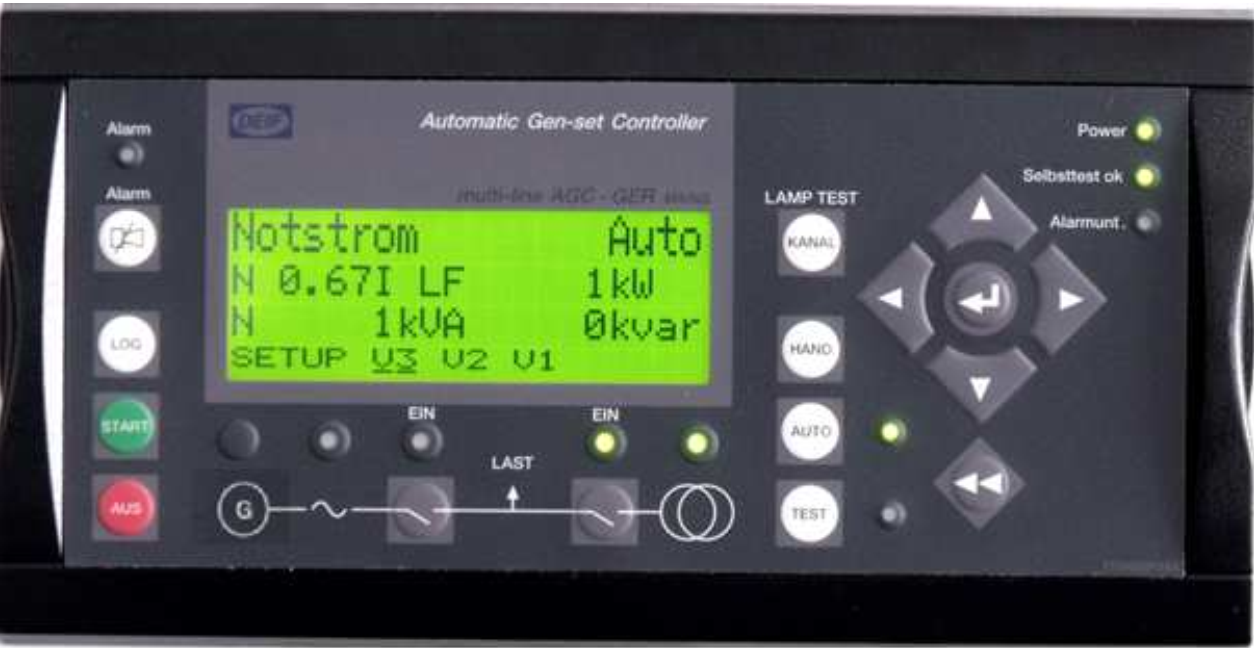
Use the navigation buttons to select SETUP and confirm with Enter.
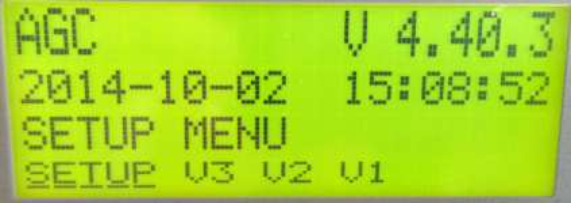
Press Left three times to navigate to SYST and confirm with Enter.
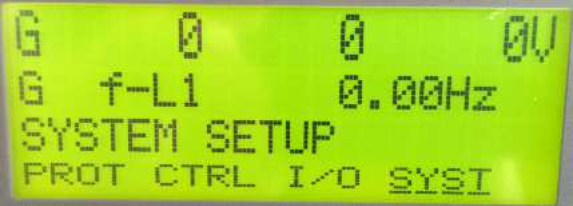
Select GEN and confirm with Enter.
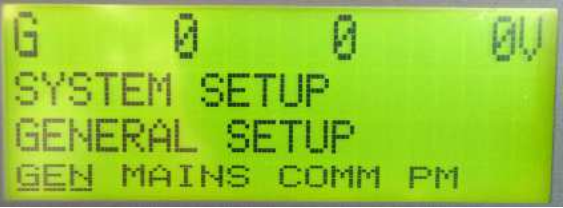
Use the Up or Down navigation button to scroll to parameter 6100.
Use the Right navigation button to select kWh and confirm with Enter.
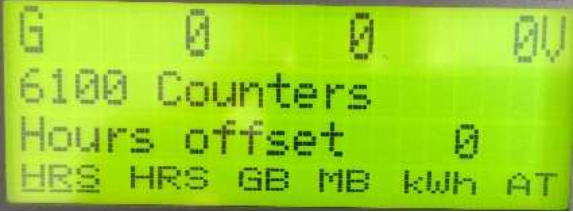
Enter the password using the Up and Down buttons and confirm with Enter.
Press Up once until ON appears in the display.
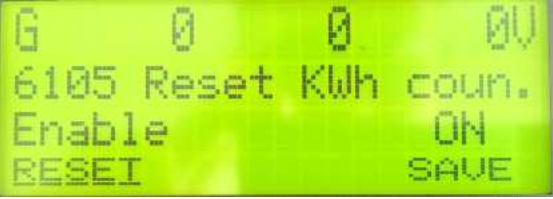
Navigate to SAVE and confirm with Enter.
The kWh timer has now been reset.
Resetting Operating Hours, Switching Cycles, and Start Attempts
To reset the operating hours, switching cycles, and start attempts (also found under parameter 6100), navigate through the individual parameters:
- HRS
- HRS
- GB
- MB
- AT
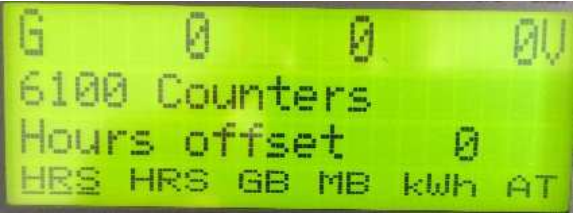
Confirm each parameter with Enter.
Use the Up and Down buttons to set each value to 0.
Navigate to SAVE and confirm with Enter.
The counters have now been reset.
Return to the standard view by pressing the Back button three times