
Doing a firmware upgrade / downgrade will delete all programmed in the controller, so if you need the program, remember to take a backup before doing a firmware upgrade.
First, you will need the firmware version you want to upgrade / downgrade to:
You can see how to download firmware here:
https://deifsupport.freshdesk.com/a/solutions/articles/80000967230?lang=en
and you will need the PC software (USW)
https://deifsupport.freshdesk.com/a/solutions/articles/80000967231?lang=en
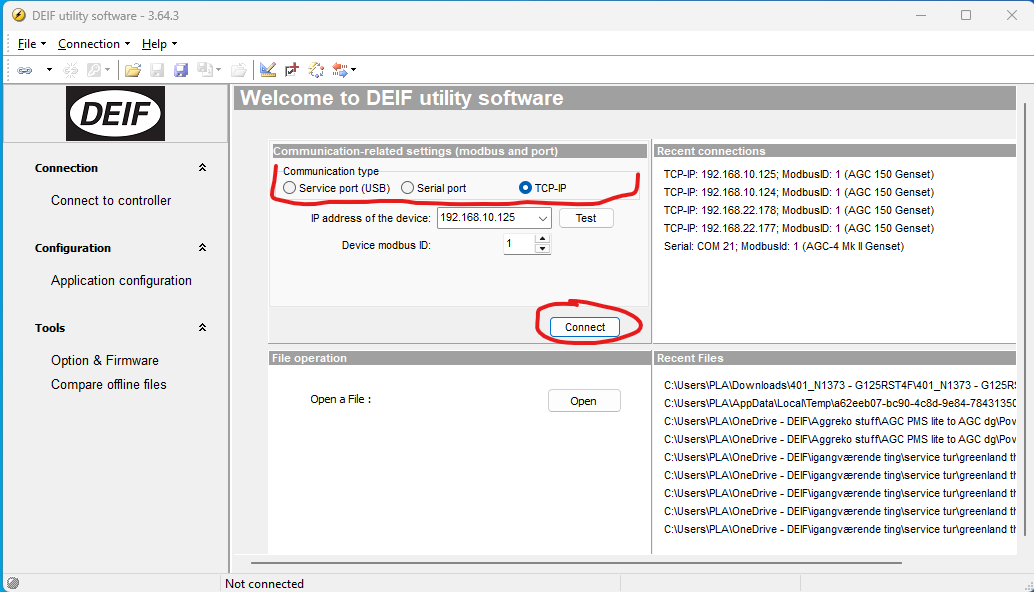
Open the USW and connect to the controller you need to upgrade:
you can use USB, serial or TCP/IP
https://deifsupport.freshdesk.com/a/solutions/articles/80001027670?lang=en
When connecting to the controller you will get this popup, asking you to log in:
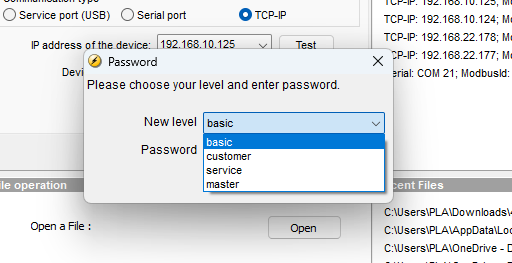
You will need to login with Master before you are allowed to change the firmware.
you can see standard passwords here:
https://deifsupport.freshdesk.com/a/solutions/articles/80000967229?lang=en
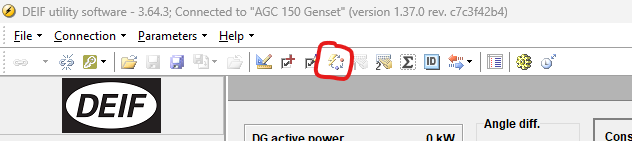
to firmware upgrade press either this button in the top bar:
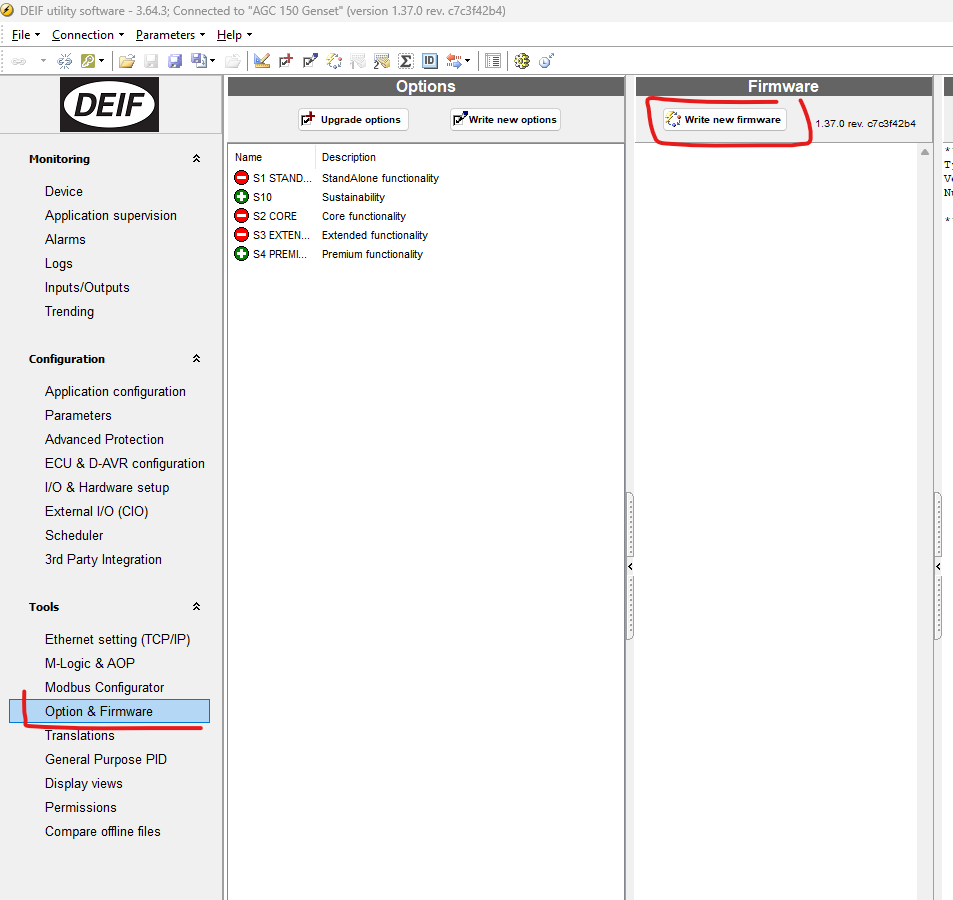
or go to option & firmware, and press write new firmware
you will get this warning

Press ok if you are okay with it. (most networks have no problem in real life, and the controller is not dead if the firmware upgrade fails.)
guide on how to recover a controller that has failed firmware upgrade
https://deifsupport.freshdesk.com/a/solutions/articles/80001034015?lang=en
Select your firmware file, (if downloaded from DEIF website it needs to be upzip'ed first )
AGC 150 needs a .15x file type
AGC4 mk1 / PPM / PPU needs a .a37 filetype
AGC 4 mk2 needs a .a4x filetype
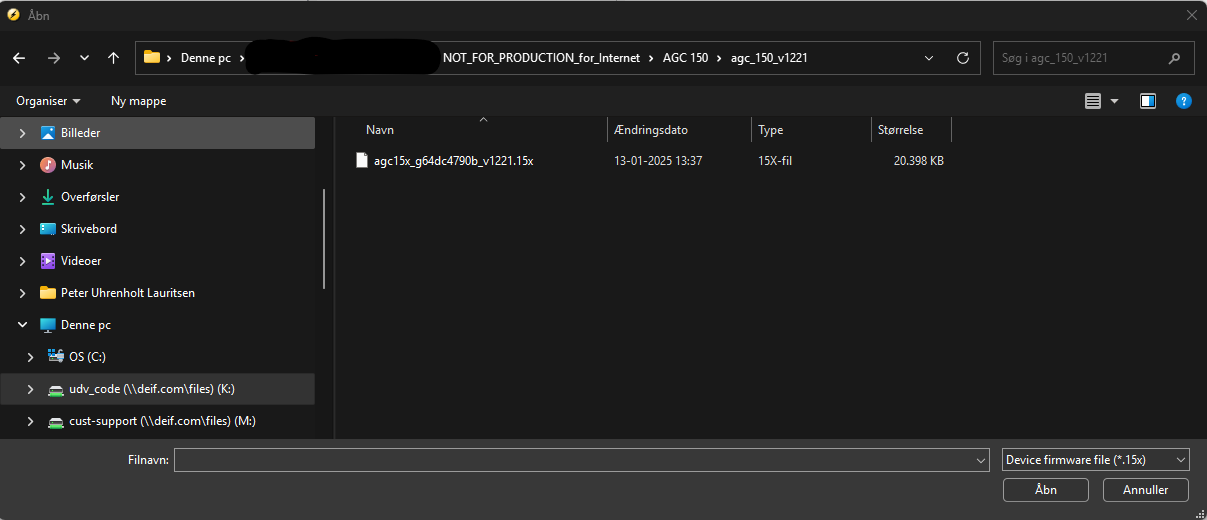
After selecting your firmware, you will get this popup.
Doing a firmware upgrade / downgrade will delete all programmed in the controller, so if you need the program, remember to take a backup before doing a firmware upgrade.
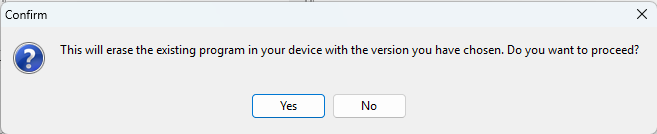
If you say yes, the controller will start its firmware upgrade.
you will be able to see in its display it's doing it, it will say something like "downloading"