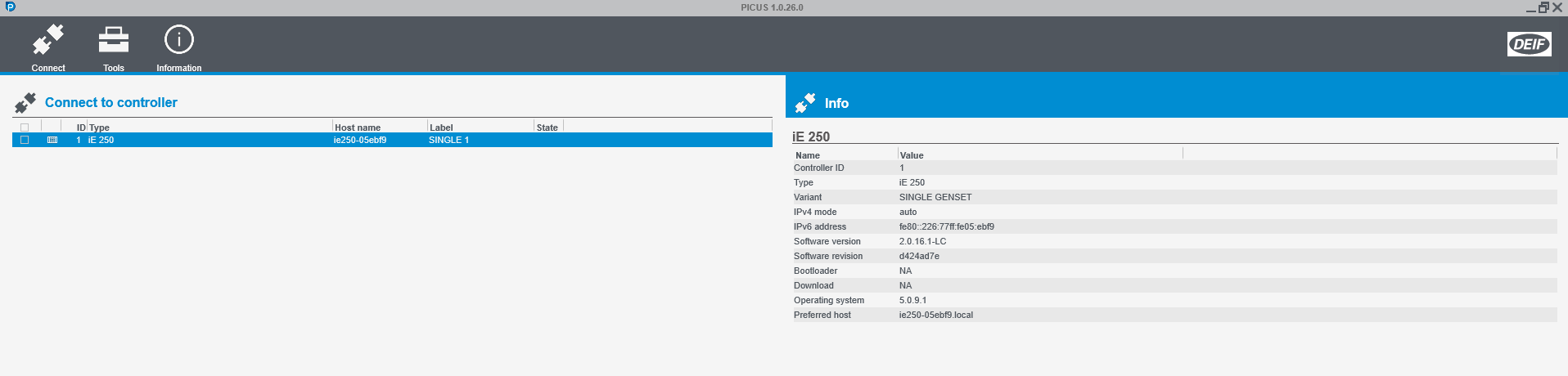
Connection:
Insert a network cable in your iE-250/350 and open PICUS.
Out of the box the controller will be auto discovered.
Note: if an IP addressee has been set this can be used instead.
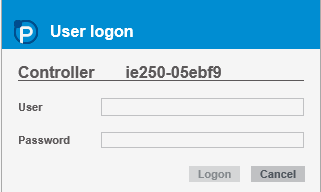
Log on:
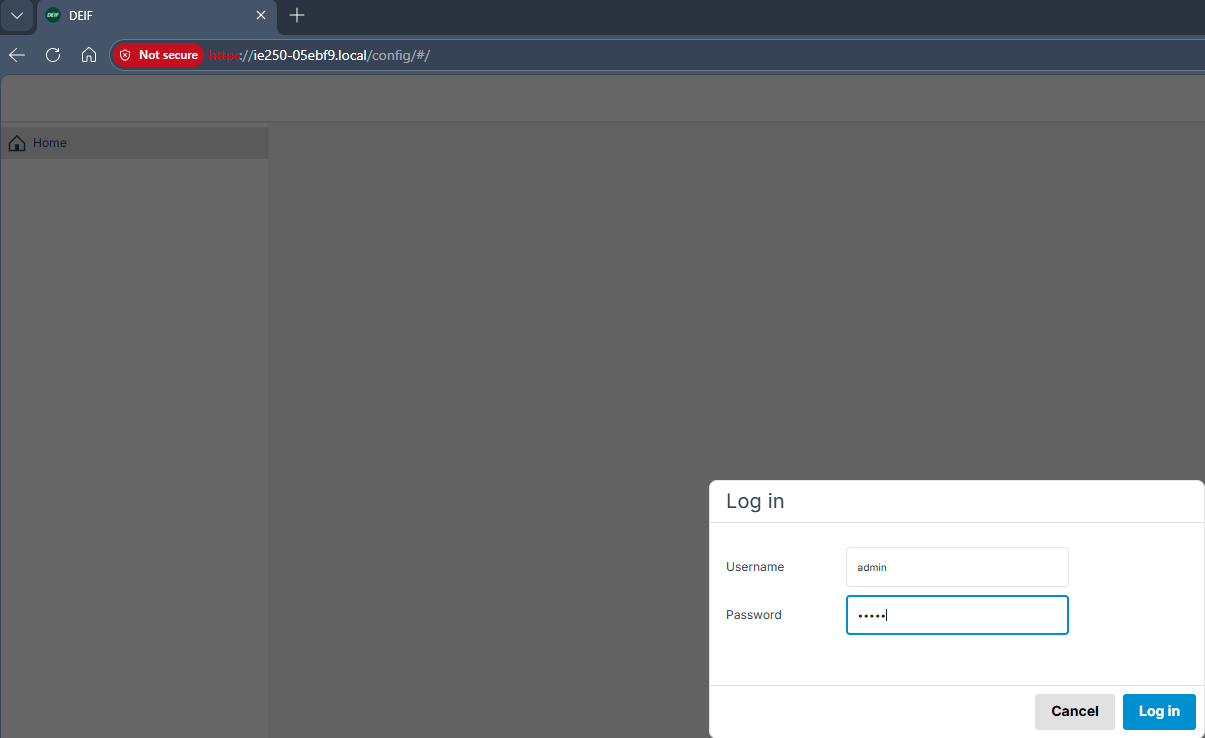
Standard credentials: User: admin password: admin
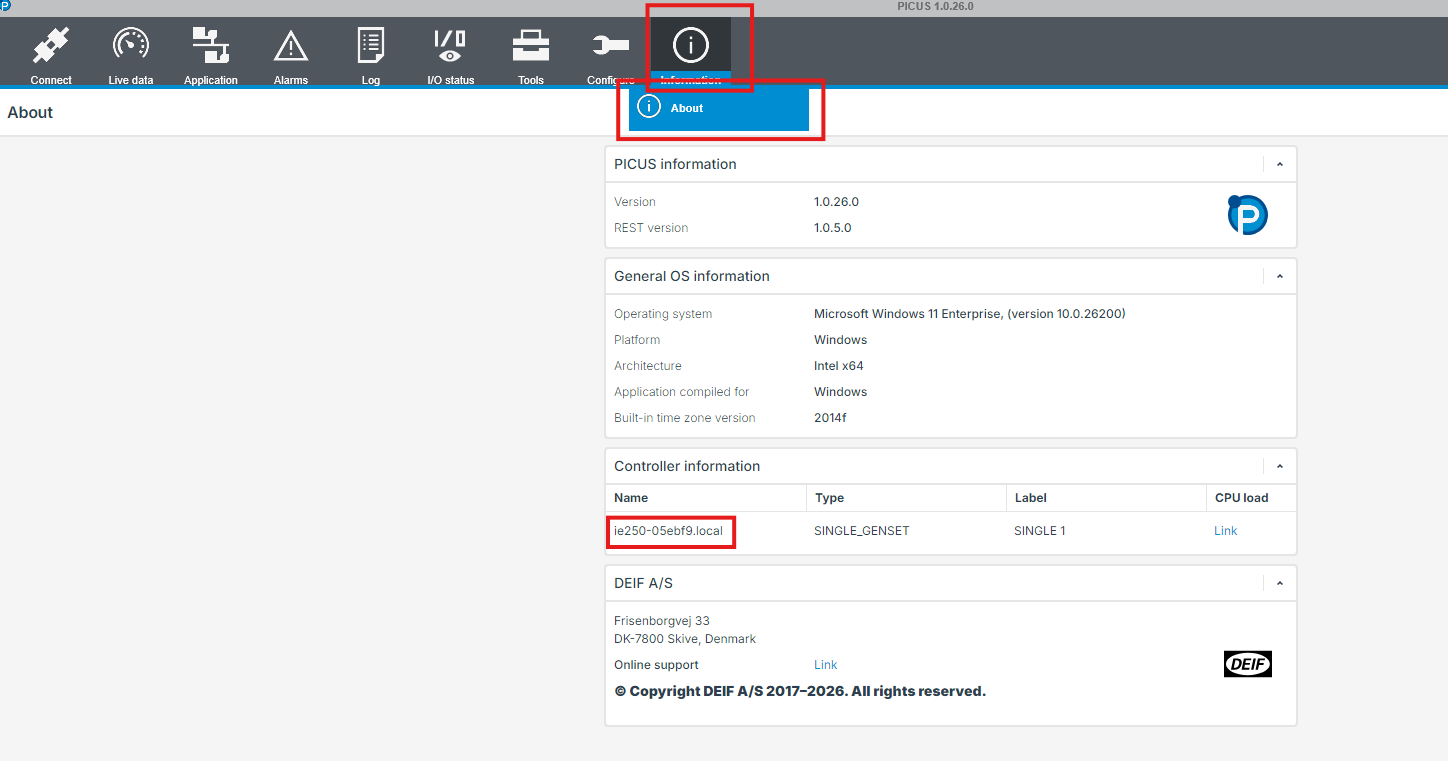
Go to information -> Controller information: Copy the host name using CTRL + C
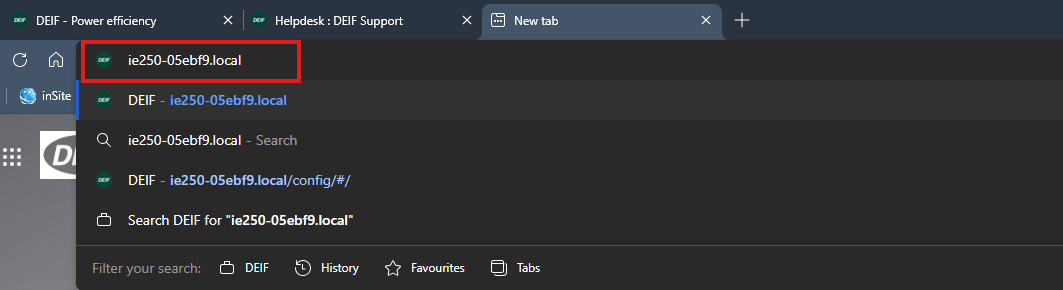
Acess to the webpage:
Go to a webpage and insert the hostname or your IPv4 adresse.
Log In using standard credentials: User: admin password: admin
Navigating the Webpage:
Go to licens manager:
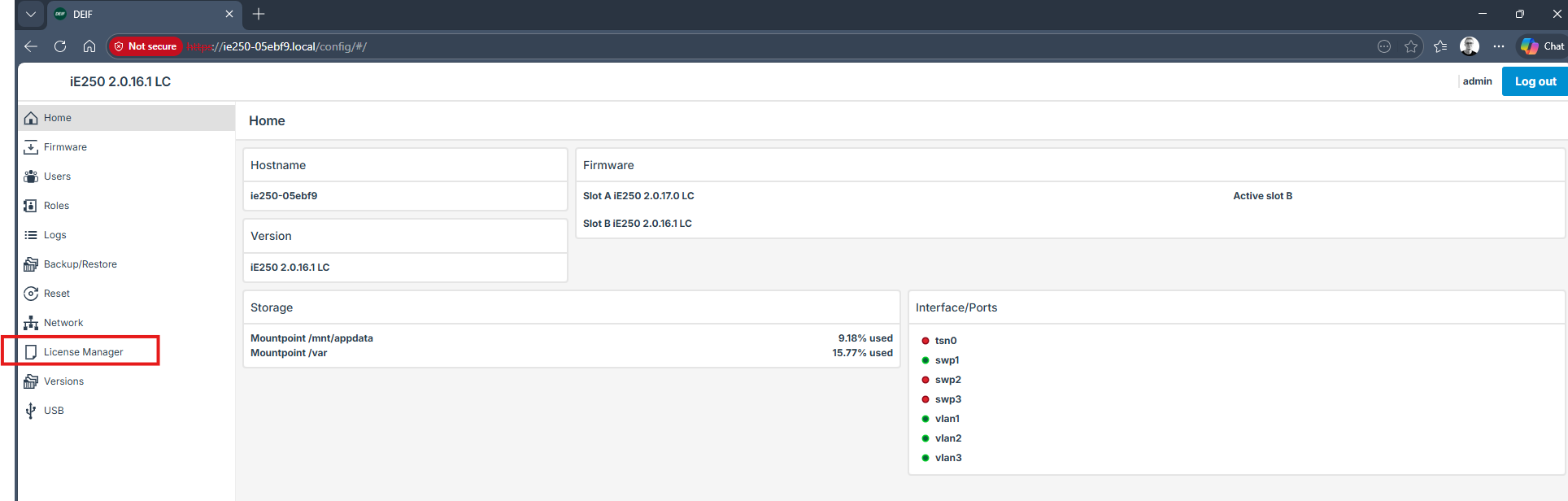
Copy the serial number and send it to DEIF, please also include which licens you are looking for.
You will get 2 files, upload them and press update.
The licenses are now in the controller.
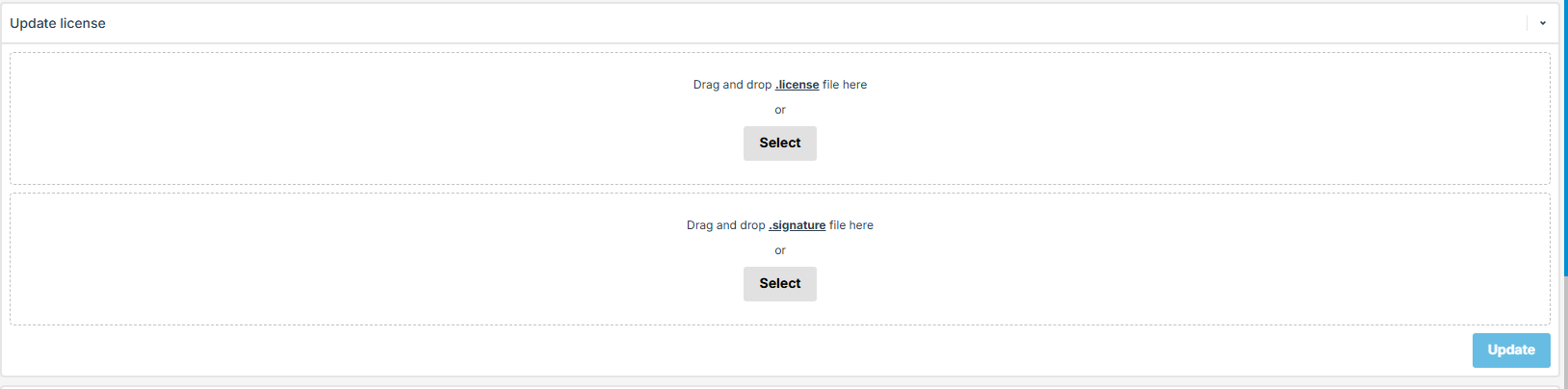
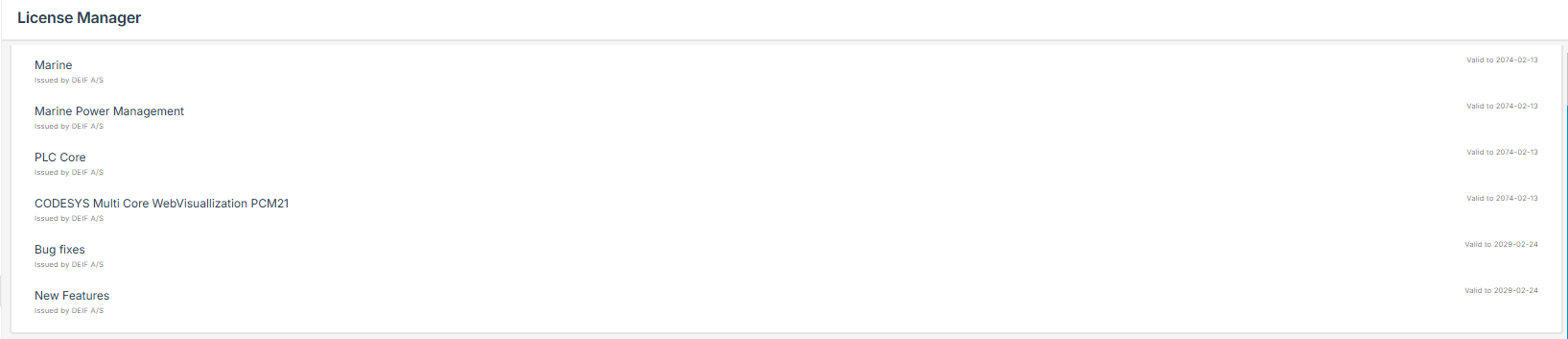
The licenses in the controller can be seen here: